REPO devs plan to fix health glitch
REPO devs know about your beloved health glitch and have plans to fix it, but they're also considering a stamina regen upgrade for crouching
REPO devs know about your beloved health glitch and have plans to fix it, but they're also considering a stamina regen upgrade for crouching
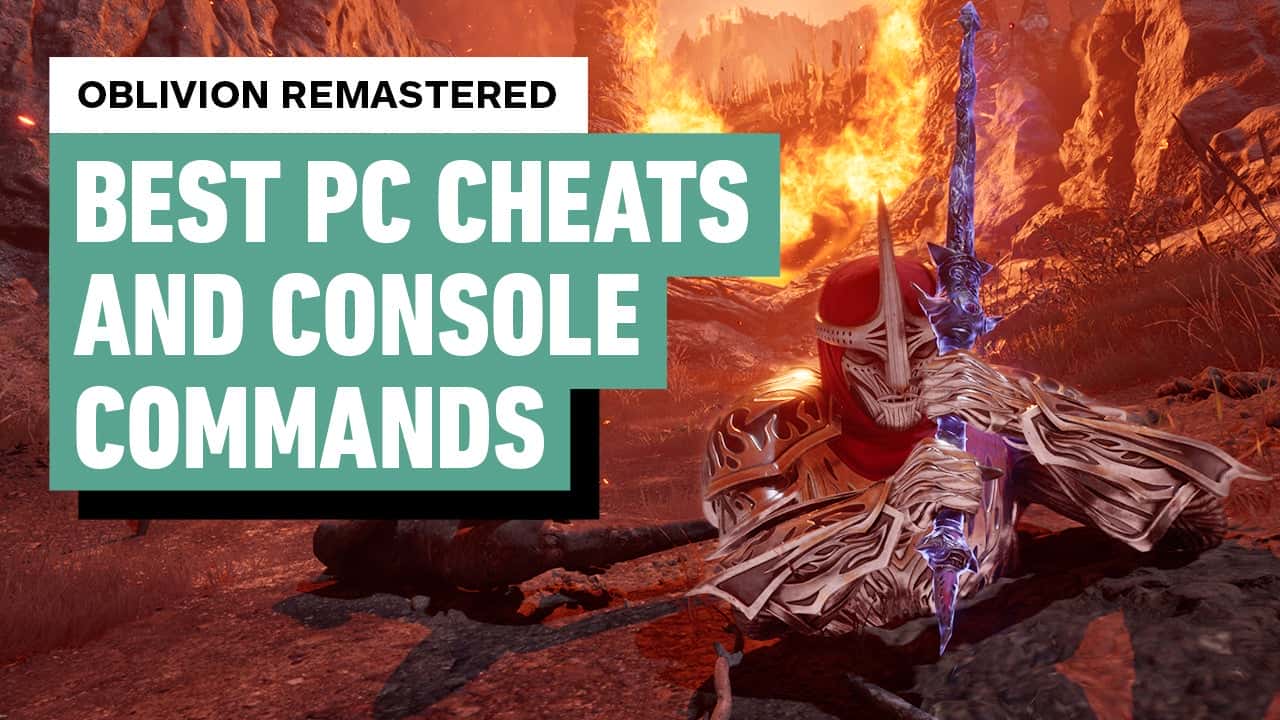
Like many Bethesda games, The Elder Scrolls IV: Oblivion on PC features the ability to open a command console to input Cheat Codes by pressing the Tilde (~) key. The PC Console Command menu is also present in The Elder Scrolls IV: Oblivion Remastered on PC, released in 2025 and playable on Steam.
The Elder Scrolls IV: Oblivion Remake is not only real, but releasing soon. We know this from both extensive reporting and because information and media of the remake have leaked. Since then, there has been some debate on whether it is a true remake or more of premium remaster, but there is no denying the remake/remaster looks far better than the 2006 Bethesda RPG looked.
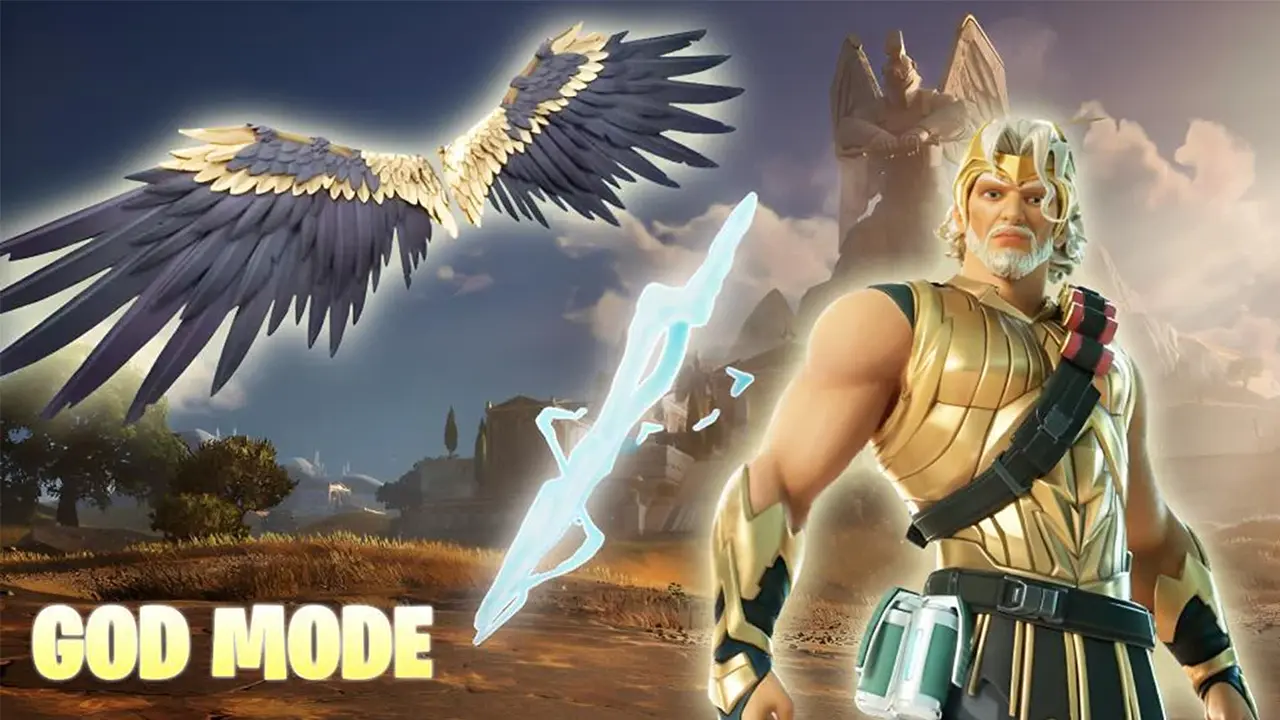
The Fortnite community discovers a critical bug that makes you invulnerable to storm damage just days after Epic Games announced that it would be reducing penalties for cheaters.
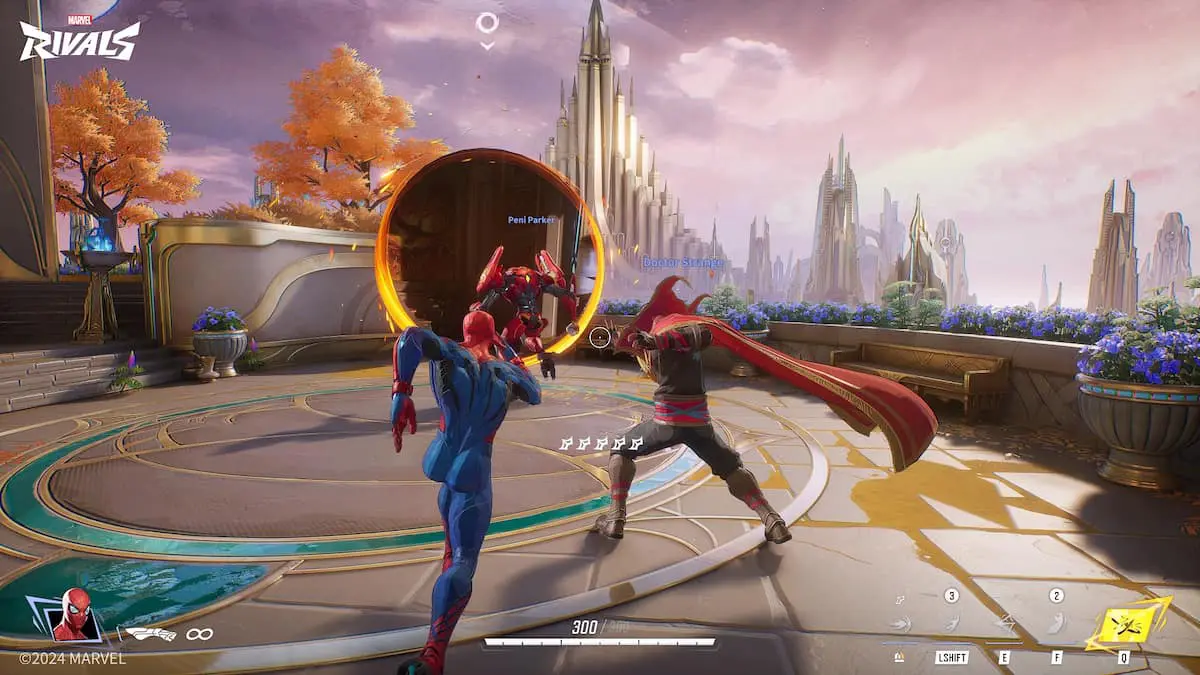
A newly discovered exploit in Marvel Rivals is turning matches upside down—allowing some players to completely remove their opponents from the game with no chance of return. By combining the powers of Jeff the Land Shark and Doctor Strange, players can trap enemies in unreachable parts of the map, effectively ending their participation in the round.

A recent glitch in Call of Duty has unexpectedly brought back a previously banned skin, stirring up conversation among fans. The skin in question belongs to popular streamer Nickmercs and was originally removed due to controversy—but over the weekend, players noticed it had quietly reappeared in the in-game store.
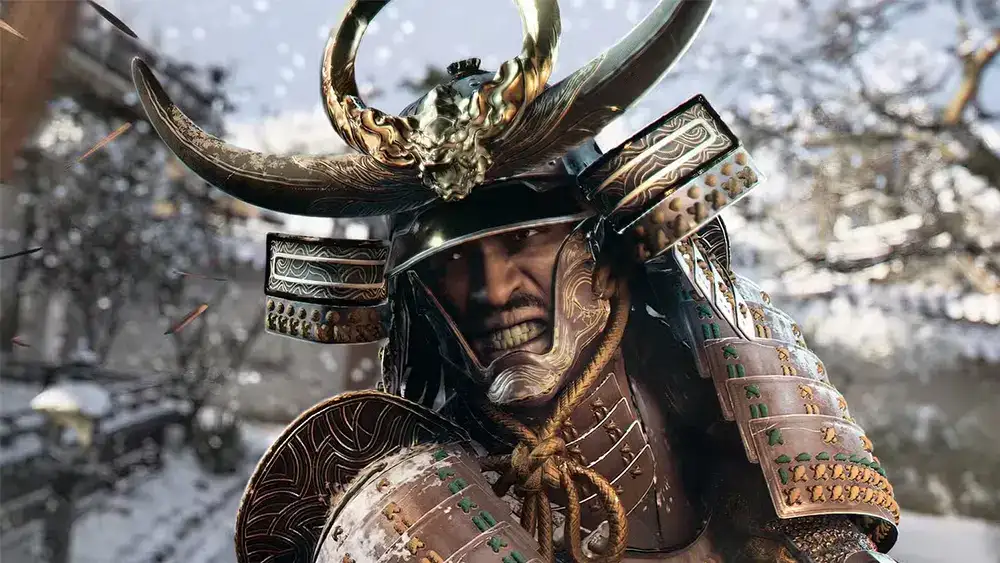
A quirky bug in Assassin's Creed Shadows has unexpectedly captured players’ imaginations—one that locks the game into its dramatic “Ink†mode after an assassination.
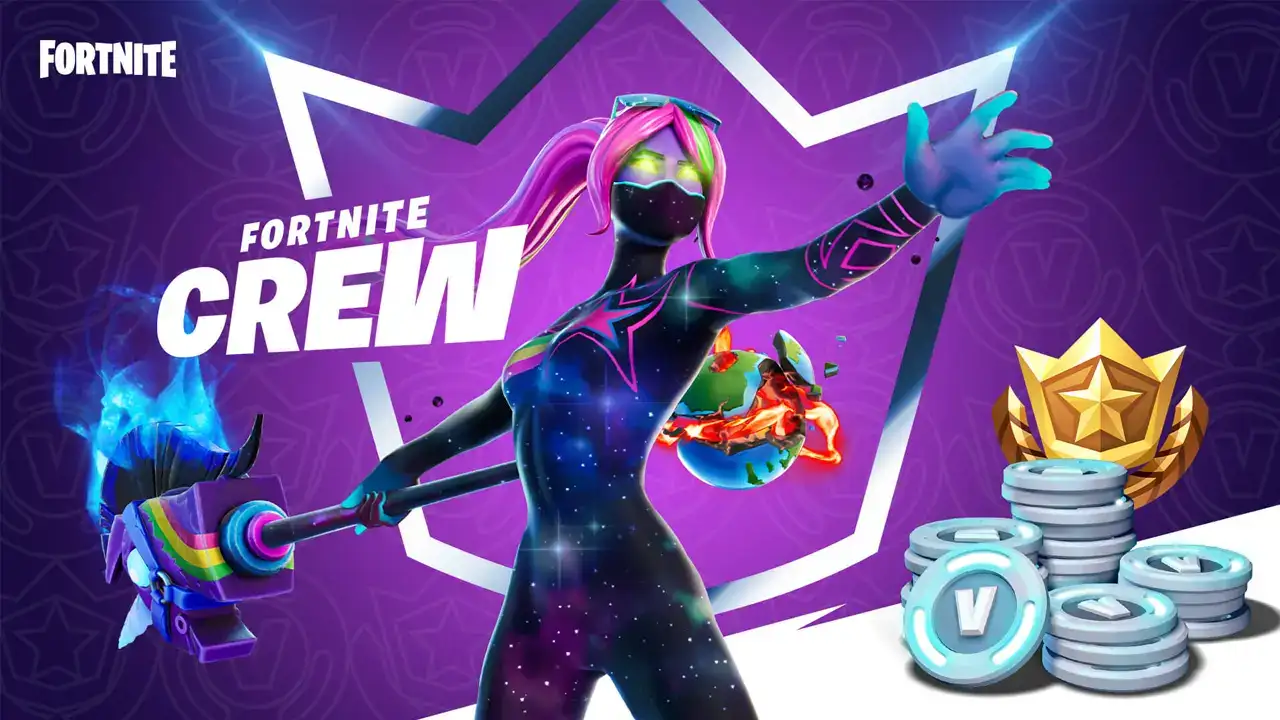
The Fortnite Status X page announced that players may have accidentally unsubscribed from Fortnite Crews because of a major button glitch Thursday afternoon.
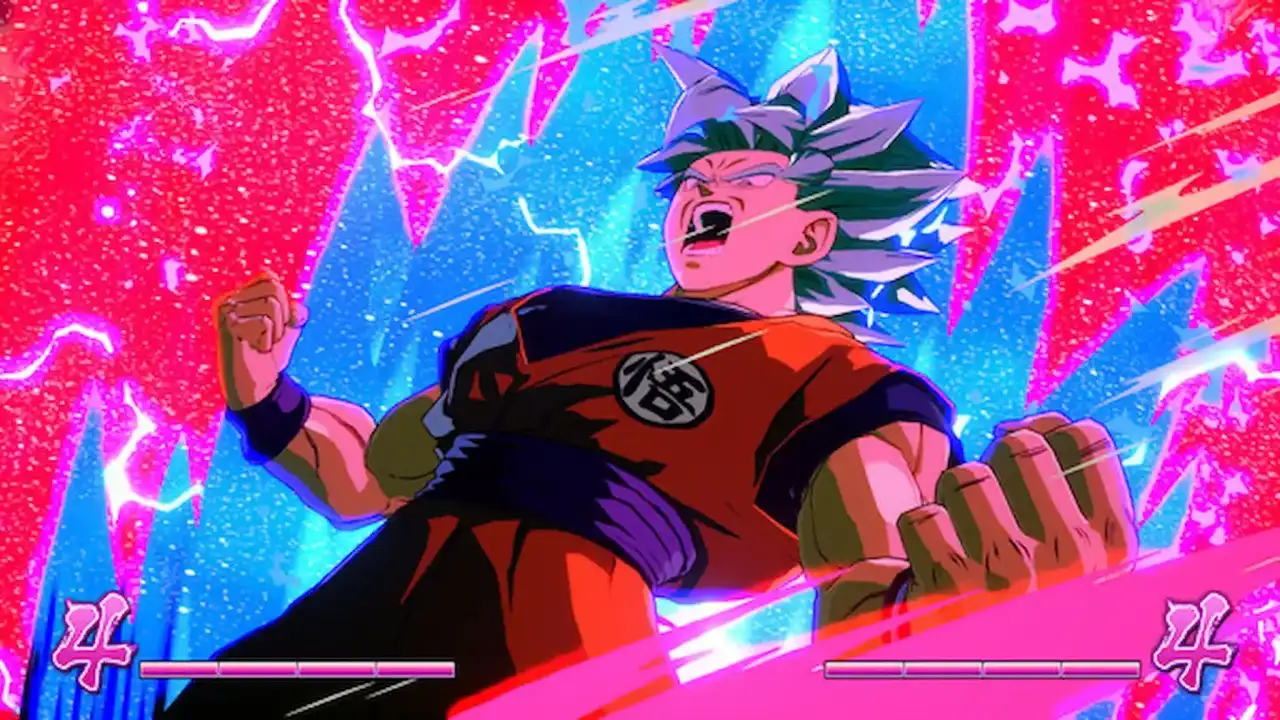
A new Xbox glitch is giving Xbox Series S and Xbox Series X users a free AAA anime game, however, the glitch only appears to work for those with an Xbox Game Pass subscription.
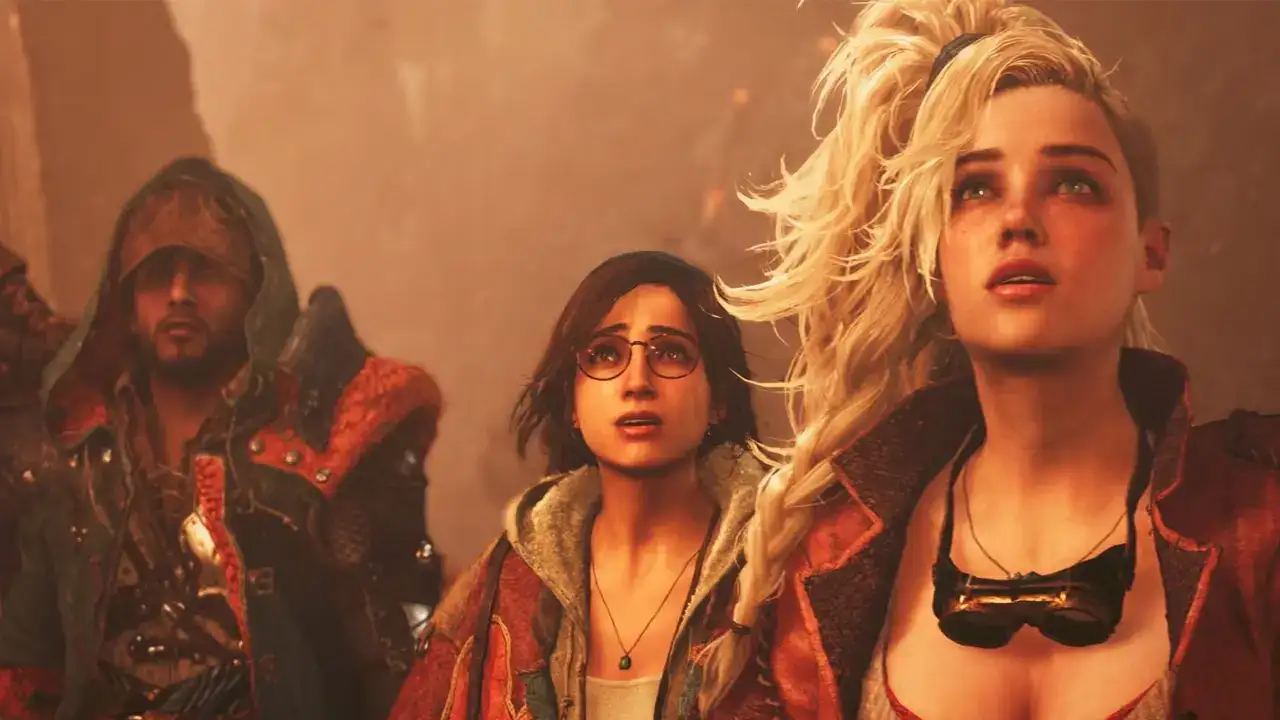
Capcom has announced that it is currently working on several bug fixes in Monster Hunter Wilds for a few major issues surrounding features not unlocking due to bugs.

Having issues with The Finals and can't seem to find the fix? Try our suggestion!